Your app is live. It needs someone who owns it.
Maybe the original developer left. Maybe every release breaks something else, or a store deadline is coming. I take over live apps, find what’s actually causing the problems, and fix them without breaking what already works. Then I keep the app moving.
First build of the instructor app.
Live on the App Store.
Added crash monitoring and in-app support chat.
Version 3.1.8, still shipping updates.
Who this is for
- Your developer or agency is gone, and nobody understands the code anymore.
- Crashes, bugs or bad reviews are piling up, and each fix seems to cause a new problem.
- Apple or Google rejected an update, or an OS or SDK deadline is forcing changes you can’t make.
What I do
Take over the codebase.
I read it, map how it works, get it building on my machine, and write down what I find, before changing anything.
Fix the root cause.
A crash, a slow screen or a failed payment is usually a symptom. I trace it back to the actual cause so it stays fixed.
Keep the app current.
New iOS and Android versions, store policy changes, expiring SDKs, and required updates before their deadlines.
Ship regular releases.
Bug fixes and new features, tested so updates don’t break existing users.
Improve performance.
Startup time, slow screens, heavy images and battery use.
How I approach it
Understand before changing.
The first visible problem is rarely the real one. I spend the first days reading code, logs and crash reports, then send you a short written summary: what’s wrong, what’s risky, and what I’d fix first.
Protect what works.
Existing users matter more than new code. I make changes in small steps and test the flows that make money first: sign-up, payments and the core actions.
Fix vs rebuild, honestly.
Most apps don’t need a rewrite. If yours does, I’ll show you why and propose a path that keeps the app live while it happens.
Proof
All work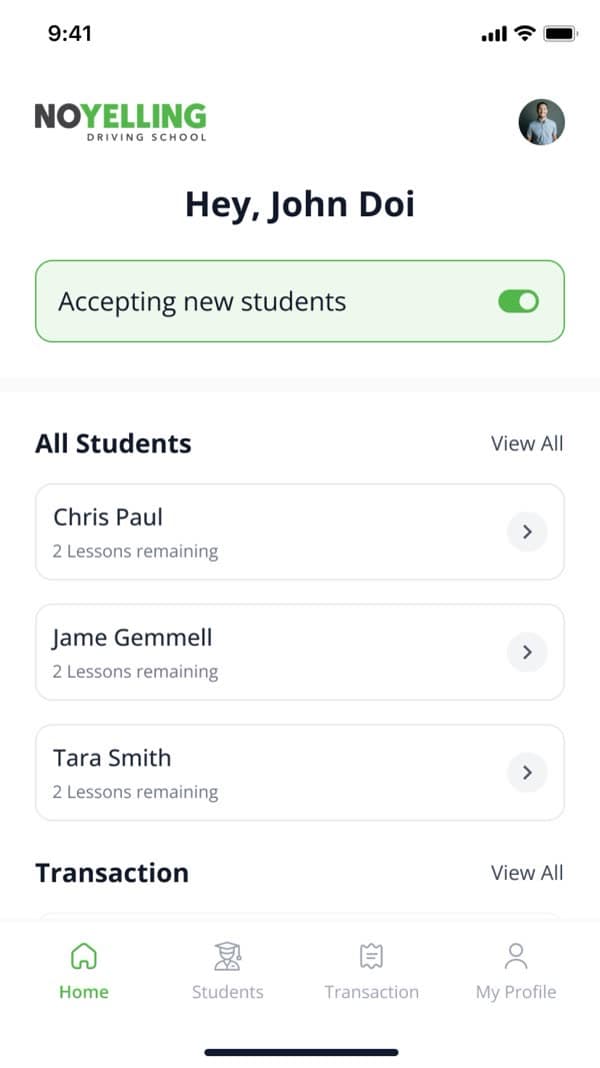

No Yelling
I’ve maintained this driving-school app since 2020. It’s on version 3.1.8 on both stores and rated 4.8★ on Google Play.
5+ years · 4.8★

Cru Social
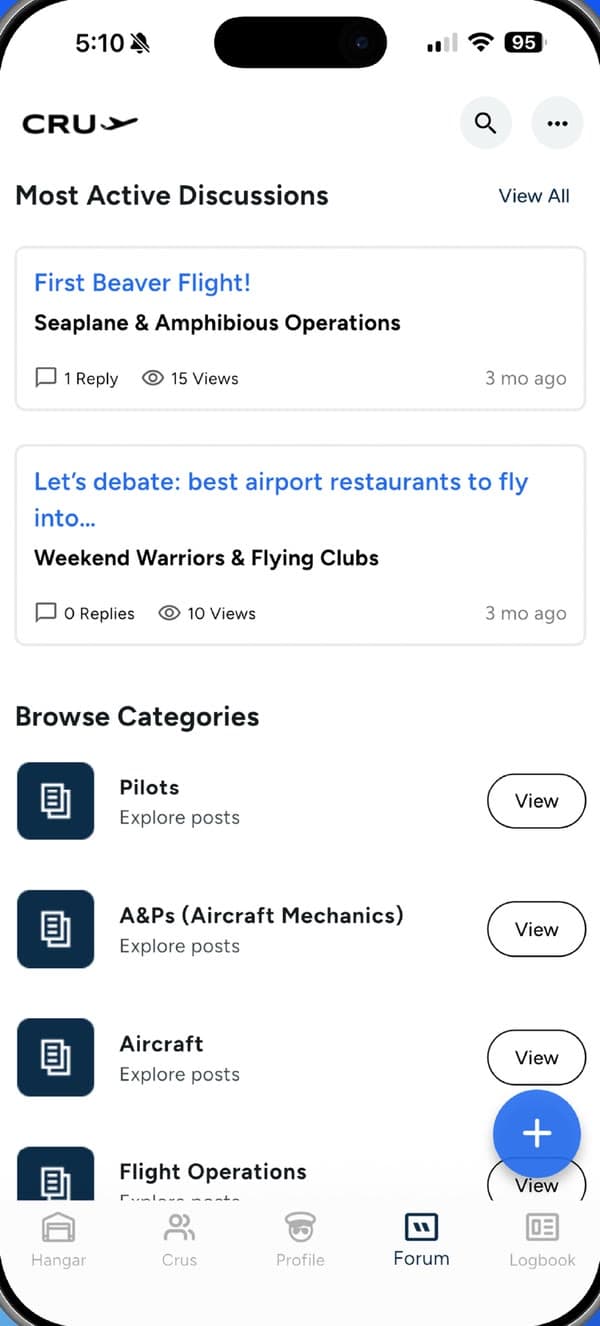
Joined the in-house team on a live social app for pilots and shipped profiles, flight posts and push notifications through their code review. 4.8★ on the App Store.
4.8★ on the App Store

SlimAI
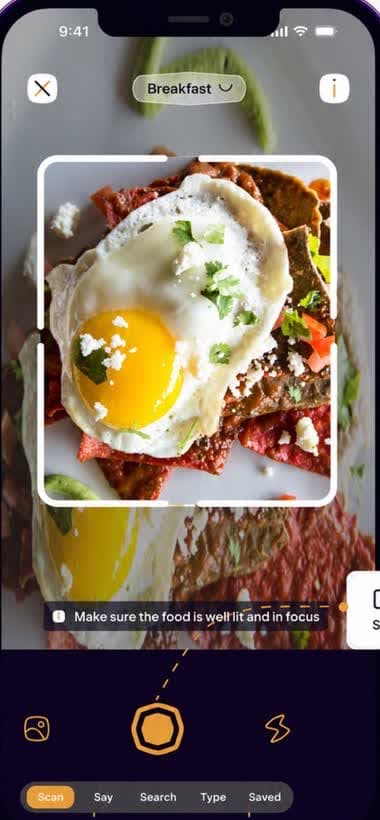
Regular releases on a live AI app, including server-side fixes to how free usage is counted.
10K+ downloads
Also: Spyra Beauty (new features, including AI scanning, shipped on a live app with 50K+ downloads), and Merchant Payments at Xendit, where I wrote technical specs, managed build delivery and assigned tickets as a senior developer on the team.
“He doesn't simply execute tasks. He thinks through edge cases and proposes solutions.”
Questions clients ask
Can you take over an app another developer built?
Yes. I start with a code review: I get it building, map how it works, and list the risks. You’ll know what you have before any changes are made. Missing documentation or an unreachable previous developer is normal, and I work from the code itself.
My app started crashing after an update. What do you do first?
I look at crash reports and the most recent changes before touching any code. Most sudden crashes come from a recent release, an OS update or a third-party service change. Finding which one tells me the fix.
Apple or Google rejected my app. Can you fix it?
Yes. I read the rejection against the store guidelines, fix what’s actually required (often privacy details, account deletion, payments or metadata), and resubmit. If the rejection is wrong, I reply to the reviewer with the evidence.
How much does app maintenance cost?
It depends on how often you release, how many third-party services the app relies on, and how old the code is. Every app needs some work each year just to stay in the stores: new OS versions, SDK updates and policy changes. On top of that come your bug fixes and features. I’ll estimate after reviewing the code.
Do you offer ongoing support?
Yes. I can stay on for regular releases, fixes and updates after the first round of work. No Yelling has worked with me this way since 2020.
Should I fix my app or rebuild it?
Usually fix. Rebuilding throws away working, tested code and resets your users’ experience. I recommend a rebuild only when the foundation blocks what you need next, and even then, in stages that keep the app live.
Will you break things that already work?
That’s the main thing I guard against. I test the money-making flows first and change code in small, reviewed steps, so a problem is caught early and is easy to roll back.

Tell me what’s going wrong.
Send me the app and the problem. I’ll tell you what I’d look at first.
Prefer Upwork? Hire me on Upwork